How to Charge Electric Vehicles (EVs) and Plug-in Hybrids (PHEVs) in Pattaya | MAKS Car Rental
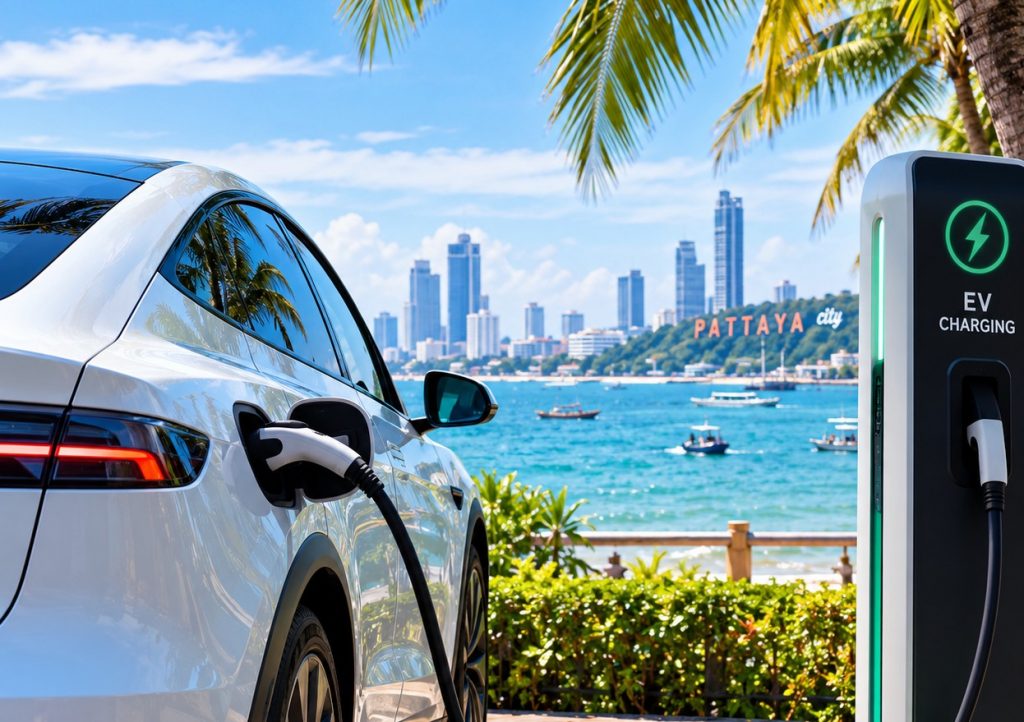
Traveling around Thailand in an electric vehicle (EV) or plug-in hybrid (PHEV) is comfortable, eco-friendly, and cost-effective. The charging station network in Pattaya and across the country is developing very rapidly.
All vehicles from MAKS Car Rental are equipped with a portable adapter for charging from a standard 220V household outlet. You can always conveniently charge your vehicle from a regular socket at home, in a villa, or at a hotel.
1. How to Find the Nearest Charging Station
The main assistant for any driver is the international mobile app PlugShare. It works as a universal interactive map showing stations from all operators in Thailand.
PlugShare Aggregator App
PlugShare is not used for payment but is ideal for finding stations, checking connector availability, and reading recent driver reviews.
- Google Play: https://play.google.com/store/apps/details?id=com.xatori.Plugshare
- App Store: https://apps.apple.com/th/app/plugshare-ev-charging-map/id421788217
Setting Up the Connector Filter in PlugShare
Before starting your search, be sure to set the filter to the connector type suitable for your vehicle:
- For Plug-in Hybrids (PHEV, e.g., Mercedes-Benz, BMW, Volvo): Select the Type 2 (IEC 62196-2) connector in the filter. Hybrids charge using alternating current (AC). CCS2 fast charging plugs cannot be connected to hybrids.
- For Full Electric Vehicles (BEV, e.g., BYD, MG): For fast charging, select CCS2 (CCS Combo 2), and for slow overnight or parking charging, select Type 2.
2. How to Pay for Charging
In Thailand, payment and session initiation are done through the mobile app of the specific charging station network.
Step-by-Step Charging Process:
- Download the app of the required charging station network.
- Register using your phone number (both Thai and international numbers are accepted).
- Link a payment method: international bank card (Visa / Mastercard) or PromptPay QR code (if you have a QR payment app installed).
- Start charging: Connect the cable to your vehicle, scan the QR code on the station body through the app, and press Start.
- End the session: Press Stop in the app, and the exact amount for the consumed kilowatt-hours (kWh) will be charged to your card.
3. Charging Station Networks in Jomtien and Pattaya
Below is a list of the main charging station networks, sorted by their frequency in the Jomtien and Pattaya area:
1. EV Station PluZ
App: EV Station PluZ
Where commonly found: Main network at gas stations. PTT Station Jomtien (intersection of Jomtien 2nd Rd and Chaiyapruek Rd), PTT gas station on Sukhumvit Rd.
2. Evolt
App: EVolt
Where commonly found: Shopping malls and hotels. Hotels along Jomtien Beach (D Varee, Jomtien Palm Beach), Outlet Mall, Central Pattaya, Royal Garden Plaza.
3. Terra Charge
App: Terra Charge
Where commonly found: Jomtien condominiums. Lumpini Park Beach Jomtien, Riviera Jomtien, AD Condominium, and other residential complexes in the area.
4. PEA VOLTA
App: PEA VOLTA
Where commonly found: Gas stations on Sukhumvit Rd. Bangchak gas stations along Sukhumvit Highway (entrance to Jomtien and South Pattaya).
5. EleXA (EGAT)
App: EleXA
Where commonly found: PT gas stations and hypermarkets. PT gas station on Sukhumvit Rd (Na-Jomtien area), near Lotus's South Pattaya.
6. EA Anywhere
App: E@ Anywhere
Where commonly found: Susco and Caltex gas stations. On Sukhumvit Highway, as well as in parking lots of certain Pattaya hotels.
7. Galvanic (B-Charge)
App: Galvanic
Where commonly found: Individual locations. Supalai developer condominiums in Pattaya, select Caltex gas stations.